
Jul 201 min
How to Create a PDF QR Code — Share Any Document Instantly
Read

QRGenLabs Team
Published May 28, 2026
You spent weeks planning every detail of your event. The venue, the speakers, the catering. But when it came to collecting RSVPs, you were stuck sending follow-up emails into the void — chasing confirmations one by one, not knowing who was actually showing up until the morning of.
There is a better way. And it fits inside a QR code.
Whether you are running a corporate conference, a community workshop, or a pop-up market, RSVPs are the same nightmare every time. You put a registration link on the poster. Half your audience never clicks it. The other half start filling in the form, get distracted, and abandon it before submitting.
The root cause is always the same: too many steps between "I want to come" and "I have confirmed my spot."
The average event registration form takes 3–5 minutes to complete. An SMS RSVP takes 8 seconds. That difference is the gap between a full room and empty seats.
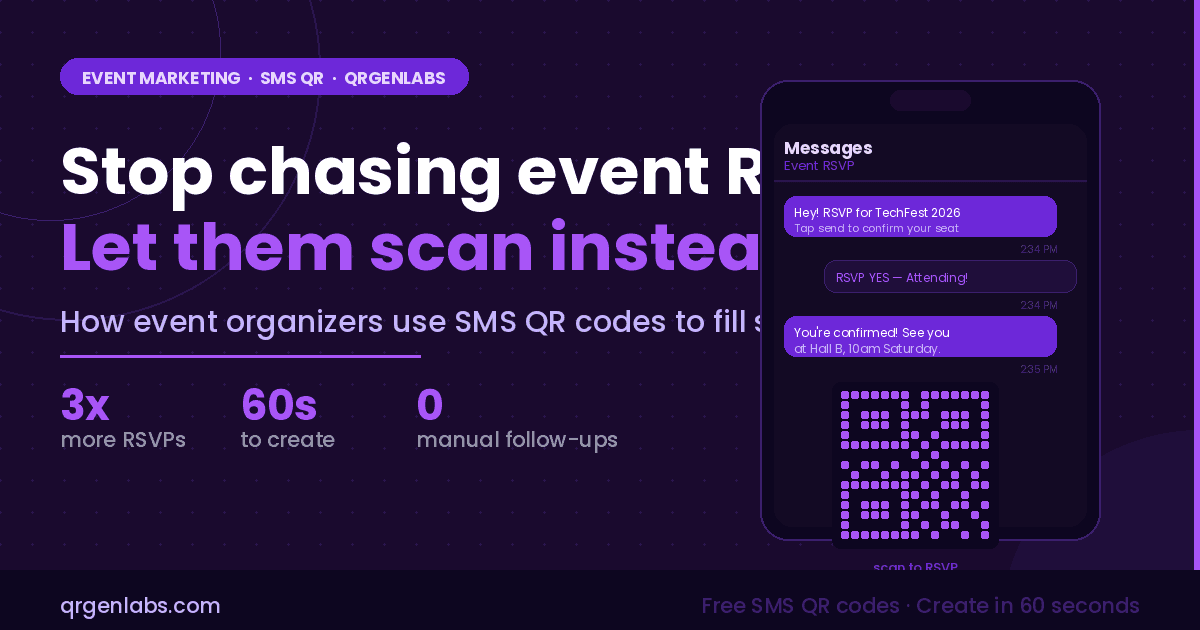
An SMS QR code is a scannable code that, when scanned by a smartphone camera, opens the native messaging app with a phone number and message already filled in. The attendee just taps send.
No registration form. No email link. No app download. Just scan, tap, done.
For event organizers, this means you can place an SMS QR code on any physical or digital surface — a poster, a table card, a social media graphic, an email header — and collect RSVPs or confirmations from attendees in seconds, at any point in the event journey.
Print your SMS QR code on event posters around your venue, campus, or city. Passersby scan to send a pre-filled "RSVP YES" message. You capture the lead instantly without them ever visiting a website.
Place a QR code at the entrance for walk-in attendees. They scan to register on the spot — their name and contact is captured via the SMS reply, with no paper forms or clipboard needed.
Running breakout sessions with limited seats? Print an SMS QR per session. Attendees scan to claim their spot in the specific session they want, and you get a clear count before the day begins.
At the end of your event, display a QR code on screen or on exit cards. Attendees scan to send a one-word SMS review — and you have instant sentiment data without a survey tool.
At the initial announcement stage, use an SMS QR code to let interested people opt into reminder texts. When the event is a week away, your list is already built and engaged.
Give each exhibitor their own SMS QR code to display at their stand. Visitors scan to request a follow-up — and the exhibitor collects qualified leads without a card swap or manual note-taking.
Head to the QRGenLabs SMS QR code page and follow these steps:
Static SMS QR codes are free forever on QRGenLabs — no account required, no expiry. If you need scan analytics, simply upgrade to a dynamic QR code before your campaign goes live.
Event organizers who switch to SMS QR RSVPs consistently report fewer no-shows, faster confirmation turnaround, and dramatically less time spent chasing attendees in the week before the event.
Your audience already has their phone in their hand. The SMS QR code meets them exactly where they are — no extra steps, no forgotten links, no abandoned registration forms.
Create your event SMS QR code at QRGenLabs today — free, instant, and ready to print.

